The Process
Initial Consultation
Section titled “Initial Consultation”In order to discuss whether Marlow Learning is suitable for your student’s learning needs and academic goals, an initial consultation is required before arranging a tutoring session. We will also briefly review the key provisions of Marlow Learning’s Tutoring Services Agreement, which sets out the scope of my services and requirements for parents, guardians, and students. I suggest that your student attend the initial consultation, but this is not required.
The consultation is a good opportunity to troubleshoot any technical challenges. For this reason, I suggest that you access the video link via the device that your student will use for any future tutoring sessions. As I do not collect student email addresses with the booking form, you may want to forward the video link email to your student’s inbox. This video link is not tied to a specific email account and does not require login credentials, so it will function properly from your student’s account.
Only parents and guardians can submit forms and schedule appointments. You can access Marlow Learning’s booking form and appointment schedule via the link below. Within 3 minutes of selecting your appointment time, you will receive an email from [email protected] stating “Dear [Student Name], please confirm your booking.” Click “Confirm”, which will direct you to nextcloud.marlowlearning.ca, where you will be asked to click “Confirm” again via your web browser. You will then receive an email from [email protected] containing the Nextcloud video link that you will use to join the Initial Consultation. If you have any trouble along the way, please email me at [email protected].
LibreSign
Section titled “LibreSign”Following a successful initial consultation, you will receive an email from [email protected] containing a LibreSign link to the Tutoring Services Agreement. LibreSign is a Nextcloud feature, meaning all signed contracts are securely stored on my hardware and are not shared with any third parties.
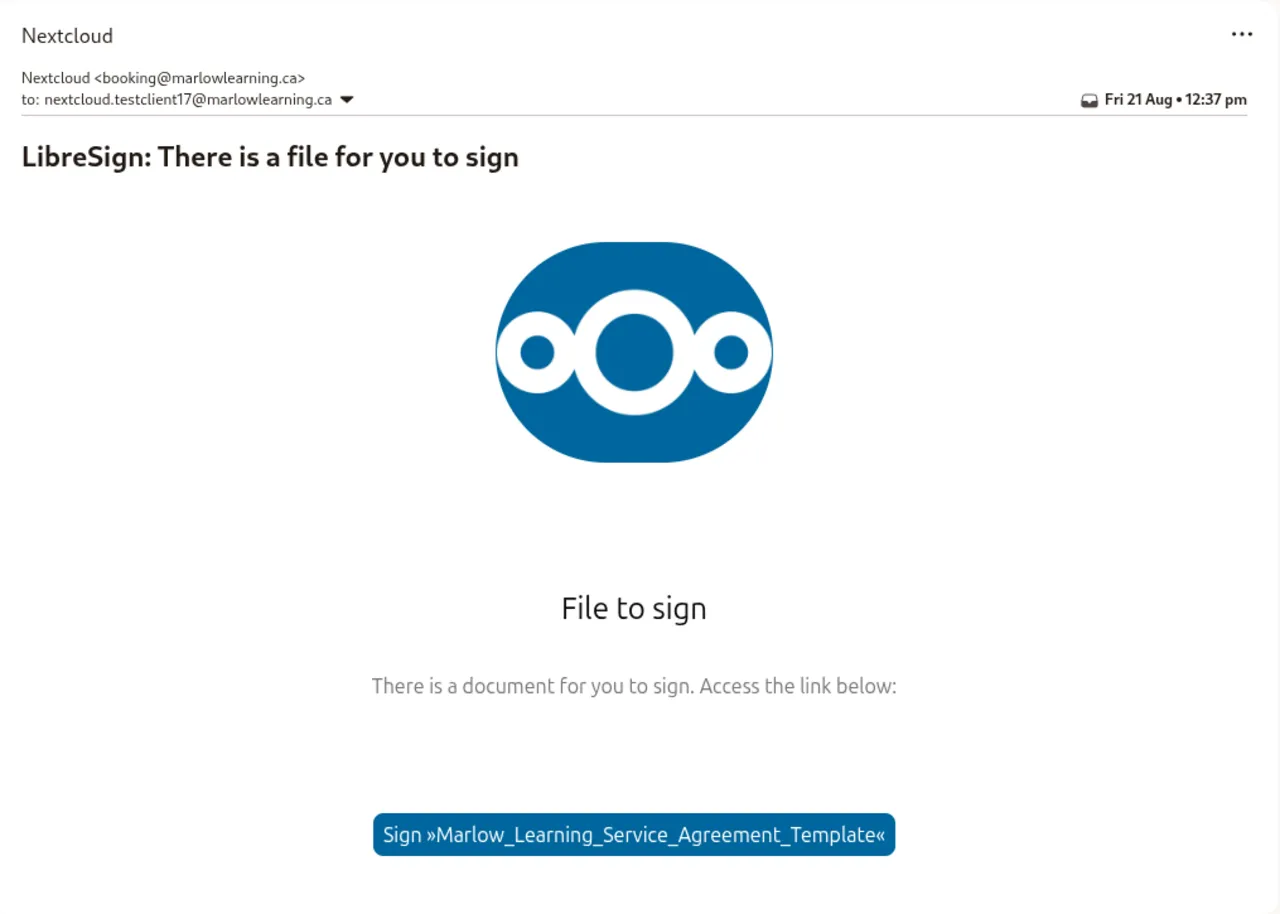
Please review the Agreement carefully, and reach out to me at [email protected] if you have questions. While not necessary, you are also entitled to seek independent legal advice before signing.
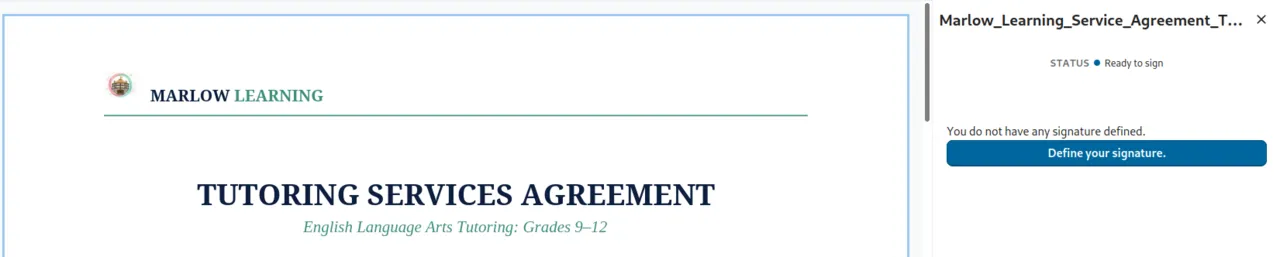
Define your signature, either with an image of your physical signature or by typing your name. You will then be redirected to a confirmation page.
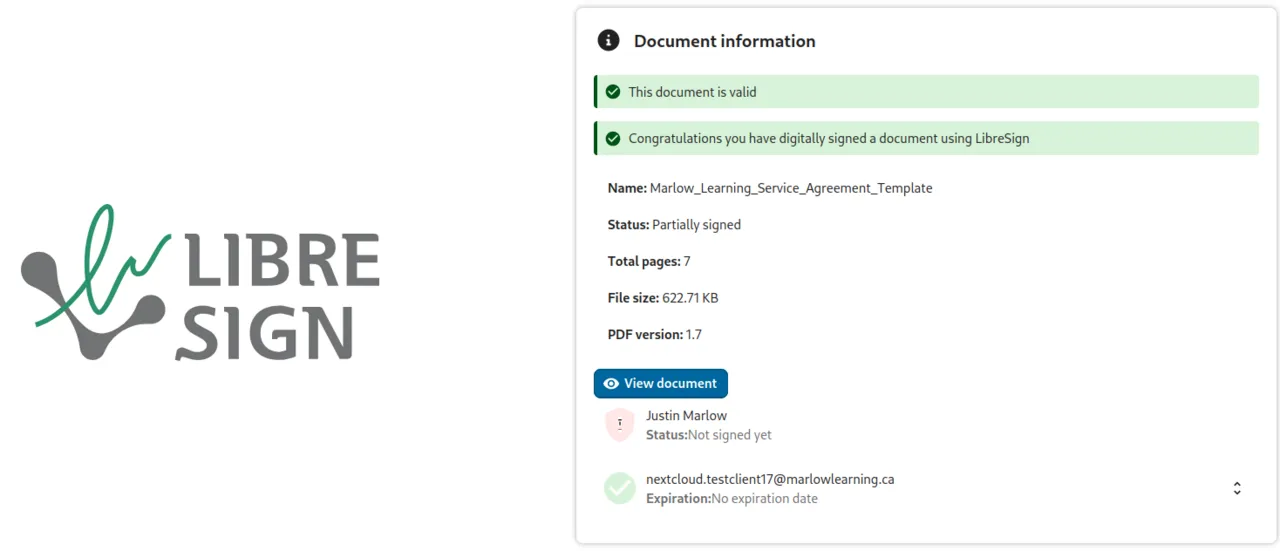
LibreSign will automatically notify me when you have signed. I will then sign the Agreement and send an email from [email protected] containing a Nextcloud and Payment User Guide along with a link to the Intake Form and Tutoring Session Appointment Schedule.
Nextcloud Accounts
Section titled “Nextcloud Accounts”Self-hosted on Canadian server infrastructure for optimal security and privacy, which you can read more about here, Nextcloud makes Marlow Learning’s online tutoring services possible by supporting appointment bookings, contract signings, student document uploads, video sessions, and messaging.
Following a successful initial consultation, I will send an email from [email protected] containing a LibreSign link to the Tutoring Service Agreement. Please review each provision of the Agreement. You can then sign electronically. After I receive the signed copy, I will send another email from [email protected] containing a link to the intake form, which is more comprehensive than the booking form and requires your student’s email address for the purpose of provisioning Nextcloud accounts.
This email will also include the step-by-step guide for setting up and using Nextcloud, paying for your student’s first tutoring session, accessing the session video link, and scheduling additional sessions.
After payment is received, Nextcloud automatically generates a video link in the student’s account. By default (although we can disable this feature if you prefer) each tutoring session is recorded for you and your student to review.
Within 48 hours after a tutoring session, I will upload the video recording and a Session Summary Letter to Nextcloud’s shared folder. Viewable by both the student and the parent or guardian, the Session Summary Letter will highlight what was accomplished during the tutoring session, what the student should work on prior to the next tutoring session, and, for long-term tutoring relationships, how the student’s literacy skills are progressing.
When appropriate, your student will receive BookStack login credentials via Nextcloud in order to access specially selected Marlow Learning resources.
Please remember that every booking, payment, and Nextcloud provisioning step can take up to 3 minutes to complete.
Need Help?
Section titled “Need Help?”Please direct any questions to [email protected].